
Category guide
BoonBuy Phone Cases, Watches and Sunglasses
The Phone Cases, Watches and Sunglasses tabs separate accessories that look similar in a small thumbnail. For each one, check compatibility or dimensions on the listing before you compare prices.
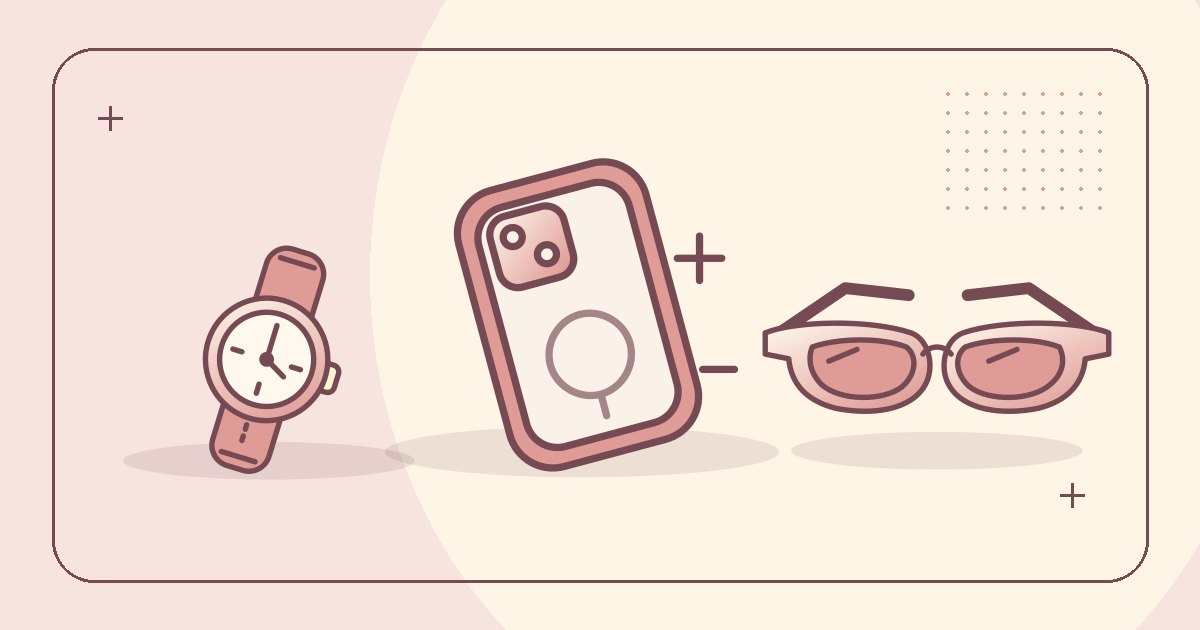
Phone cases need a precise model name
Look up the model in your phone settings and match it to the seller’s selector, including any Plus, Pro or Max suffix. Check the camera cutout, charging port and whether buttons are covered or open. Ask whether a screen protector or camera protector will clear the edges if you already use one.
Save the model in your notes rather than relying on the listing thumbnail. A single listing can show photos for multiple devices.
For a watch, measure both the case and the strap
Record the case diameter, the distance between lugs end to end, and the strap’s wearable range. Measure your wrist or compare with a watch you already wear. If a listing only shows the face, ask about the fastening and whether a replacement strap has a standard width.
Compare frames using a pair that fits
Look for three eyewear dimensions in millimeters: lens width, bridge width and temple length. Compare those with the markings inside the arm of an existing pair. Total frame width can help if the style is unusually wide or curved.
Example note: “52–18–140, overall width still to confirm.” If a listing makes a protection claim, look for supporting product information before relying on it. Lens darkness alone gives you no protection rating.
OPEN A SPREADSHEET TAB
KEEP READING
Related guides
-
 Category guide
BoonBuy Bags and Wallets Listing Guide
Check the opening, internal dimensions and strap range before choosing a bag or wallet.
Read guide -
 Getting started
BoonBuy Product Links for Taobao, Weidian and 1688
Find BoonBuy product links, open Taobao, Weidian or 1688 listings through the agent and troubleshoot broken links.
Read guide